The problem
Most people don't have a photo-organization problem — they have a search problem wearing a storage costume. Years of photos pile up with no folders, no tags, and no realistic way to go back and label them by hand. Cloud photo services solve this by uploading everything and running search server-side, which works fine until you care about where a decade of personal photos actually lives. PhotoNester's constraint was non-negotiable from day one: sort the library into meaningful albums — Travel, Pets, Food, Documents — without a single image ever leaving the phone.
Why on-device, specifically
"On-device" sounds like a privacy feature, and it is one, but it's also an architecture decision with real consequences. There's no server to fall back on if inference is slow, no elastic compute to throw at a stuck job, and no way to patch a bad model without shipping an app update. Every performance and reliability problem has to be solved on hardware you don't control, in an OS environment (iOS) that actively fights background CPU and GPU usage to protect battery life. That constraint shaped almost every decision below.
Turning CLIP into a Core ML model
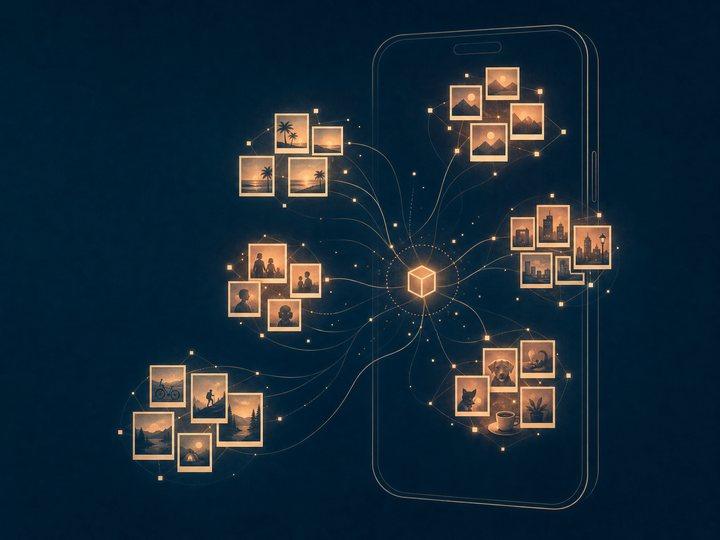
The classification approach uses OpenAI's CLIP model to generate image embeddings — vector representations that place visually and semantically similar photos near each other in embedding space, without needing category labels. CLIP wasn't built for mobile, though, so getting it running efficiently on an iPhone meant converting it to Core ML with coremltools, then working through the usual list of conversion headaches: unsupported PyTorch ops that needed manual substitution, verifying the traced graph didn't silently drop the vision encoder's attention layers, and testing float16 precision against the original float32 output to confirm the accuracy loss was negligible for clustering purposes even though it wouldn't be for something like exact retrieval.
The output is a fixed-length embedding vector per photo. That vector, not the image itself, is what gets stored and clustered — which is also why the privacy claim holds up: even if the embeddings were somehow extracted, they're not photos, they're coordinates in a 512-dimensional space.
- 01Photo libraryRead on the device, never uploaded
- 02CLIP on Core MLConverted from PyTorch with coremltools
- 03Embedding512 numbers per photo, not the photo
- 04k-meansGroups come from this library, not fixed labels
- 05AlbumsWritten back to Photos
Clustering without labels
With embeddings in hand, the question becomes how to group them into albums without predefining categories — the whole point was avoiding a hardcoded label set that breaks the moment someone's library doesn't match it. Unsupervised k-means clustering on the embedding vectors handles this: photos that are close together in embedding space end up in the same cluster, and the cluster boundaries emerge from the actual content of a given library instead of a fixed taxonomy.
The harder problem was choosing k — the number of clusters — without a human in the loop. Too few clusters and "Travel" and "Food" collapse into one blob; too many and you get a dozen near-duplicate micro-albums. The approach that worked was running k-means across a small range of k values, scoring each with silhouette score to measure cluster separation, and picking the value that maximized it — cheap enough to run on-device against a downsampled embedding set without noticeable delay.
Making it fast enough to trust
None of this matters if it drains someone's battery to sort their camera roll. CLIP inference on a few thousand images, run naively, will absolutely do that — and iOS will throttle or kill a background task that tries. Two things made it viable:
- Batched inference. Images are processed in small batches with explicit yields between them, so the app stays responsive and the system has room to manage thermal and power state instead of getting one long blocking call.
- Persisted progress. Scan state is checkpointed to disk as it goes, so if the app is backgrounded, killed by the system, or the phone just goes to sleep mid-scan, it resumes from where it left off instead of starting a multi-thousand-photo library over from zero.
The result: a full library sorts in minutes, not the kind of multi-hour background job that would quietly get killed before finishing.
The App Store rejection
This is the part that doesn't make it into most case studies. Core ML lets you specify which compute units a model is allowed to run on — .cpuOnly, .cpuAndGPU, or .all (which includes the Neural Engine). On current hardware, .all is almost always the right call. On some older iPadOS devices, though, the Neural Engine path for this particular model graph triggered a fallback that behaved inconsistently — occasionally hanging during Apple's automated review rather than crashing outright, which made it far harder to trace than a clean failure would have been.
The fix was a compute-unit fallback strategy: detect device class at launch, and on the specific older iPadOS configurations that showed the problem, force .cpuAndGPU instead of .all. Slower inference on those devices, but correct and stable — which is the actual lesson: Core ML's compute unit selection is not uniform across the device matrix, and testing on current hardware alone won't catch it. It's a specific kind of problem that Core ML consulting exists for, because it rarely shows up until you're already in front of App Review.
Where it landed
A camera roll with years of unsorted photos now sorts into coherent albums in minutes, entirely on-device, with nothing ever uploaded. The architecture — CLIP embeddings, Core ML conversion, unsupervised clustering, and the reliability engineering to make it trustworthy on real hardware — is the same shape of problem we bring to most on-device or privacy-constrained ML work: the model is maybe a third of the job, and the rest is making it actually survive contact with someone's phone.
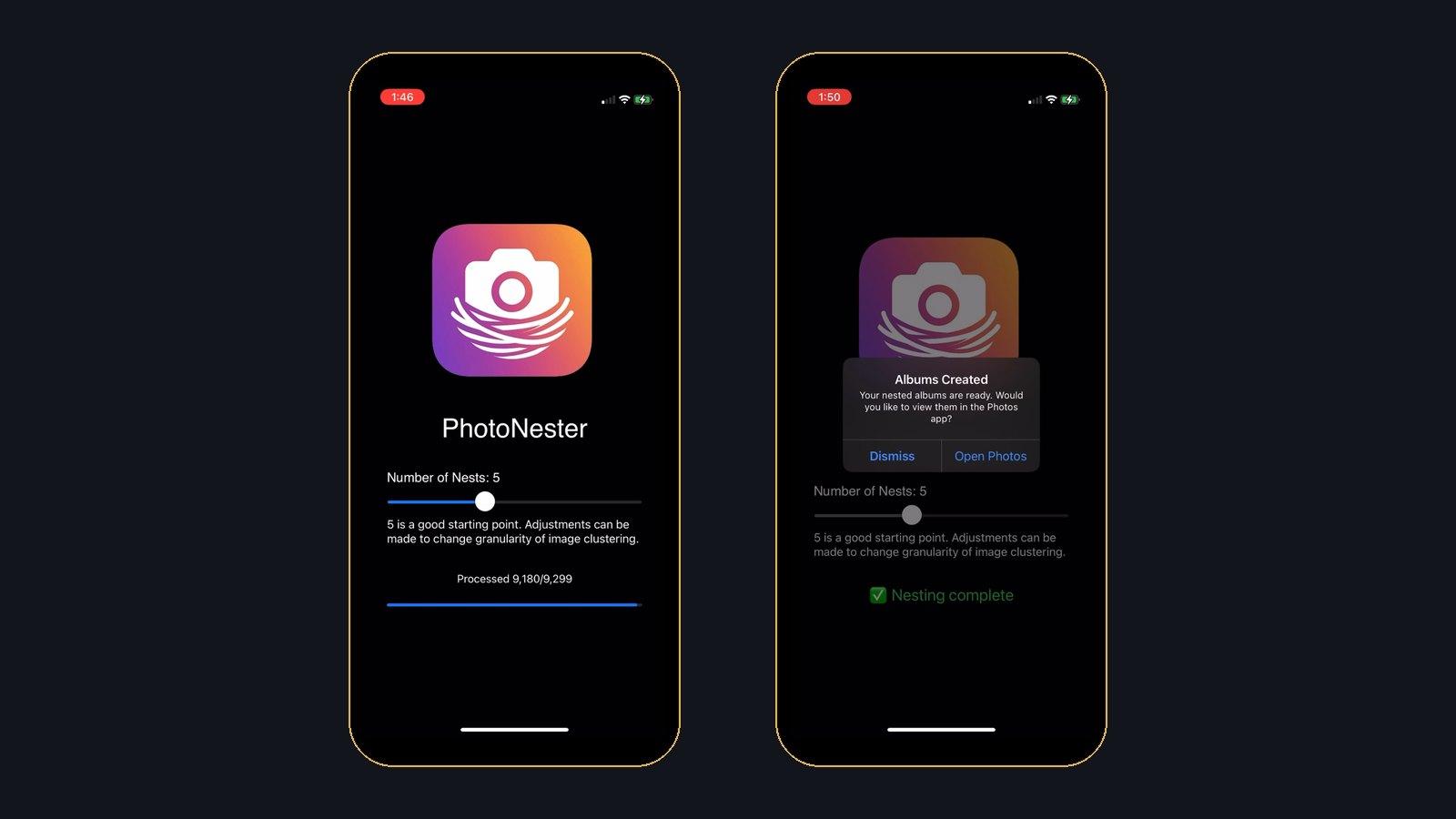
The model is maybe a third of the job. The rest is making it survive contact with someone's actual phone.